
Layouts
We have provided a bunch of page layouts and menu layouts that can be implemented with just a options
change to
"page-wrapper" ! Please refer the below details.
If you want to change layout type for the all pages you have to set localstorage settings
if (localStorage.getItem("page-wrapper") === null) {
   $(".page-wrapper").addClass("compact-wrapper");
}
find sidebar-menu.js file and change above class compact-wrapper
How to use other layouts?
Add particular class for each layout in above js and it's changed all pages
Below class needs to be added with page-wrapper class when you want to add
particular
layout
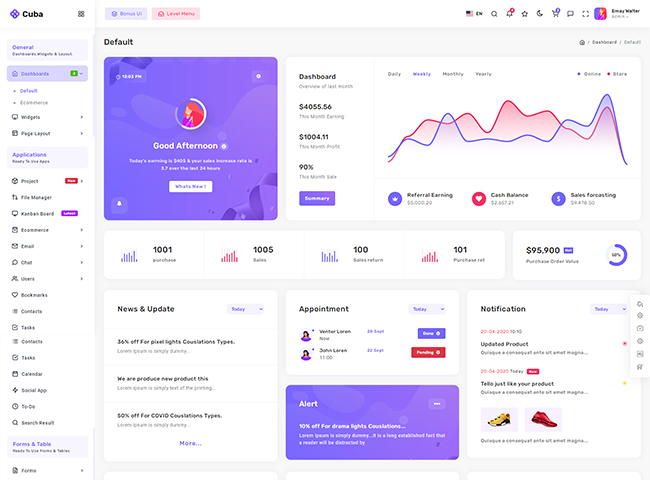
Dubai
class ="compact-wrapper"

Barcelona
class ="horizontal-wrapper enterprice-type advance-layout"
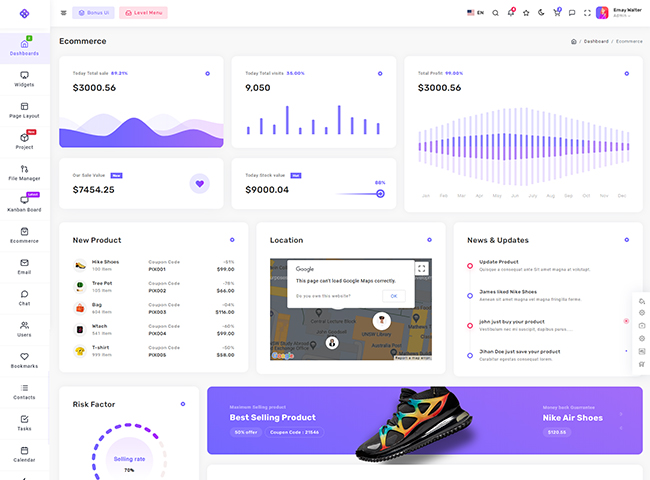
Tokyo
class ="compact-sidebar"
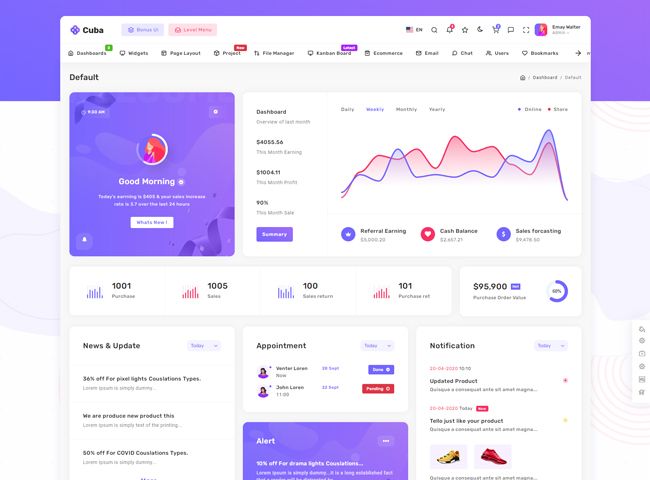
Los Angeles
class ="horizontal-wrapper material-type"
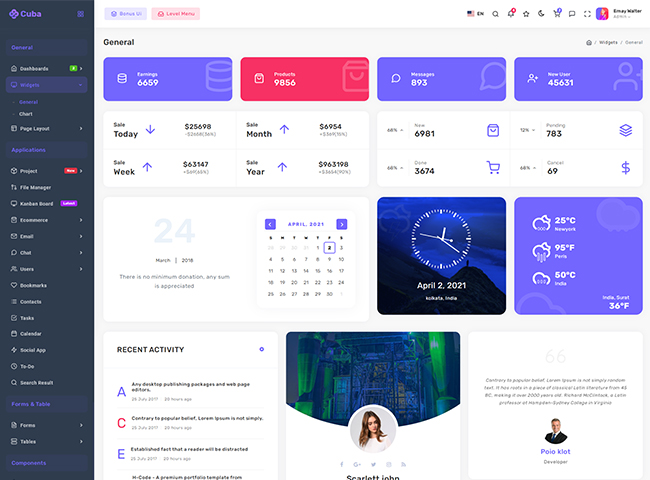
Madrid
class ="compact-wrapper color-sidebar"
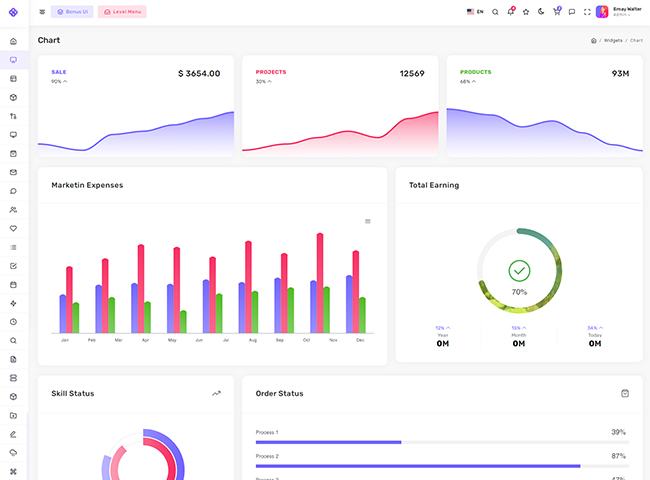
Moscow
class ="compact-sidebar compact-small"
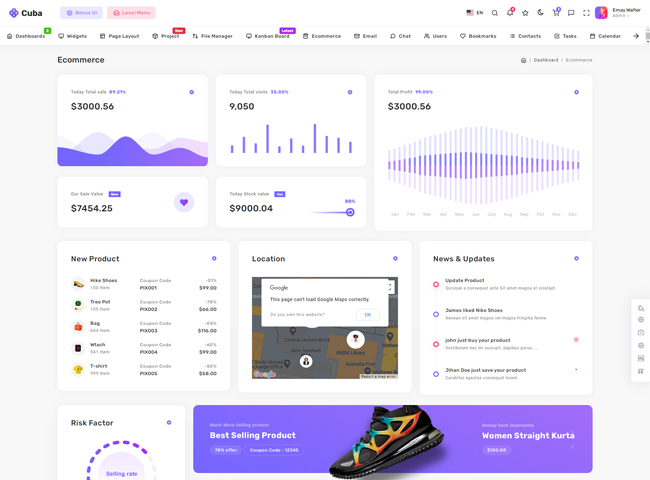
Singapore
class ="horizontal-wrapper enterprice-type"
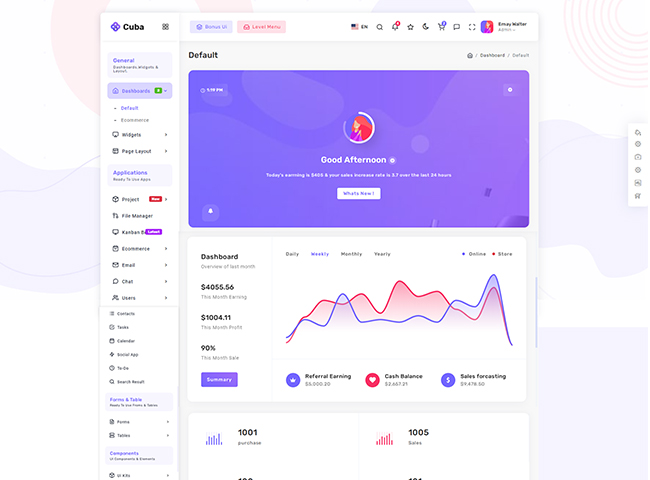
New York
class ="compact-wrapper box-layout"
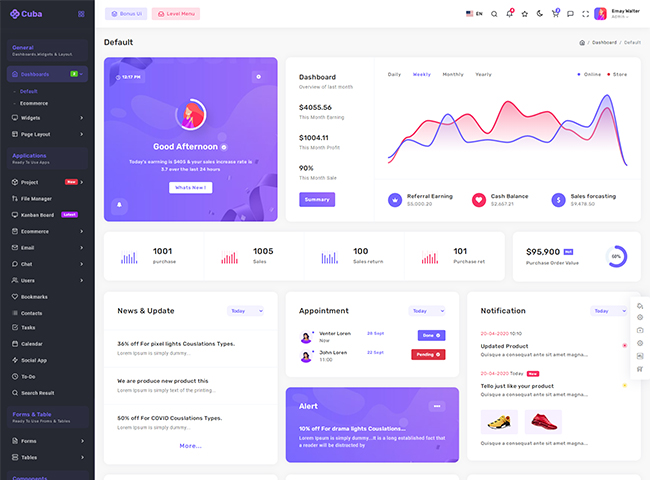
Paris
class ="compact-wrapper dark-sidebar"
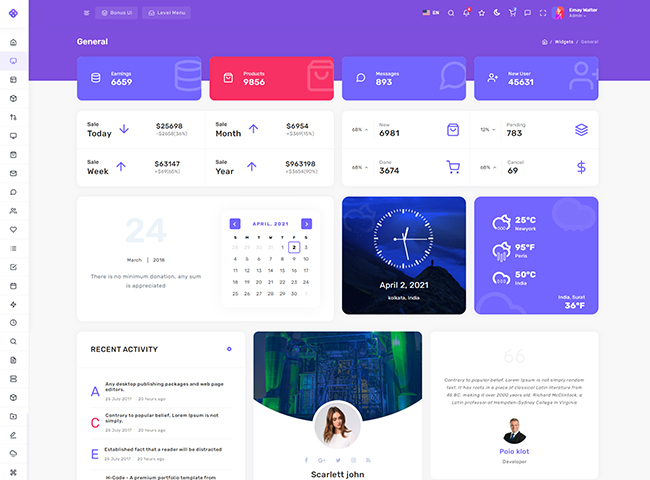
Rome
class ="compact-sidebar compact-small material-icon"
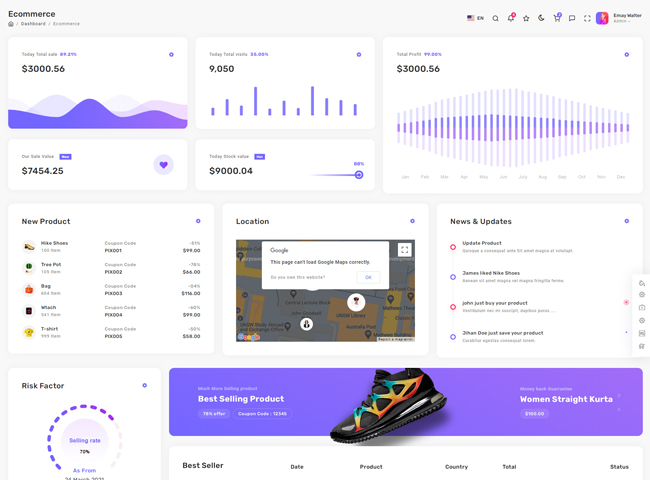
London
class ="only-body"
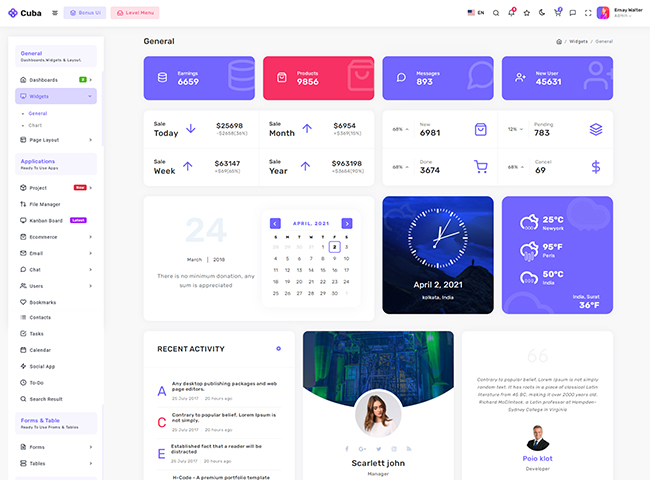
Seoul
class = "compact-wrapper modern-type"